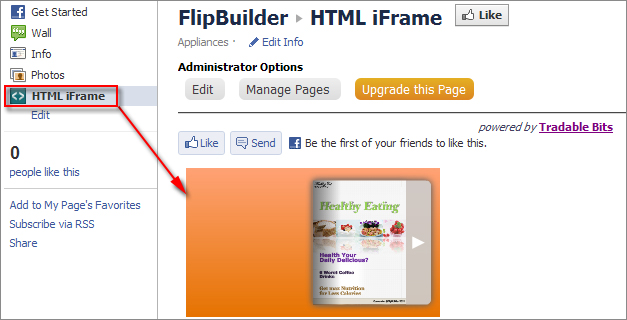
How to show your created flip book in Facebook page directly?
I created a page-flipping eBook with your Flip program, but when I posted to Facebook, all I get was an error to tell me to install Flash Player. What can I do to show my the flip book in my Facebook page?
To publish your created page-flipping eBook on Facebook directly, you can follow below steps:
1. Publish your created flipbook online first, more details about sharing online here;
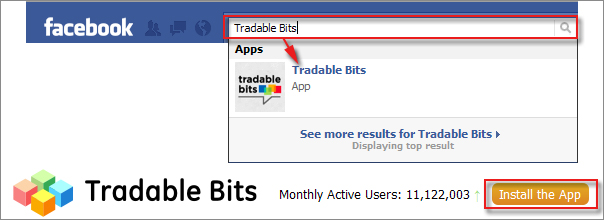
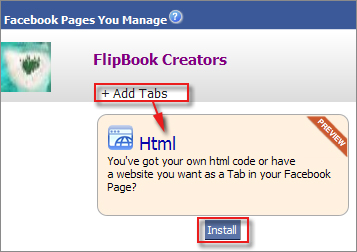
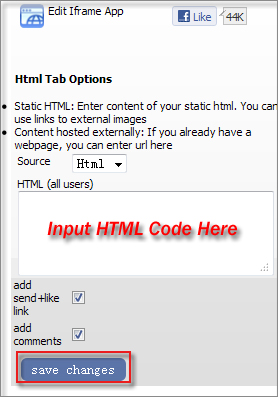
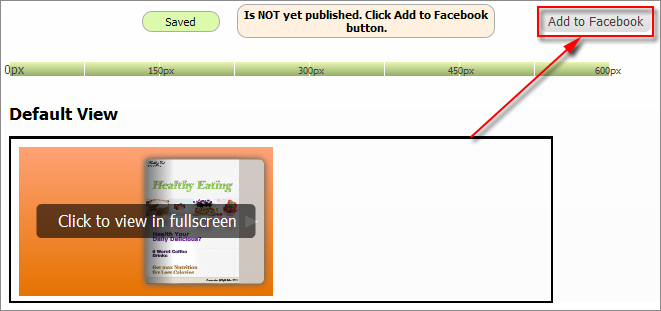
2. Log in Facebook, search "Tradable Bits" to install the plug-in tool;
 |
 |
 |
 |
 |