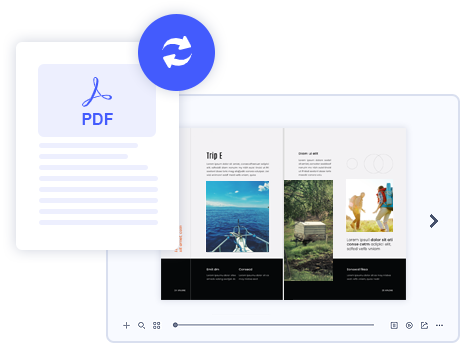
With the easy-to-use interface, you can create an HTML realistic page flip eBook in less than 10 minutes. Simply import a PDF and choose a pre-designed template, you can generate an inspiring professional flipping magazine or brochure with ease. No coding and design skills are needed!
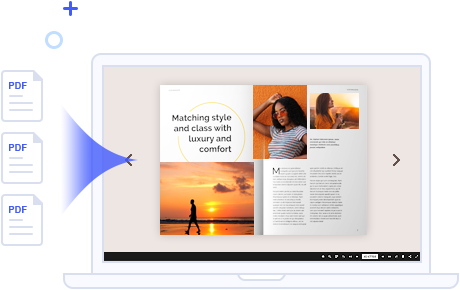
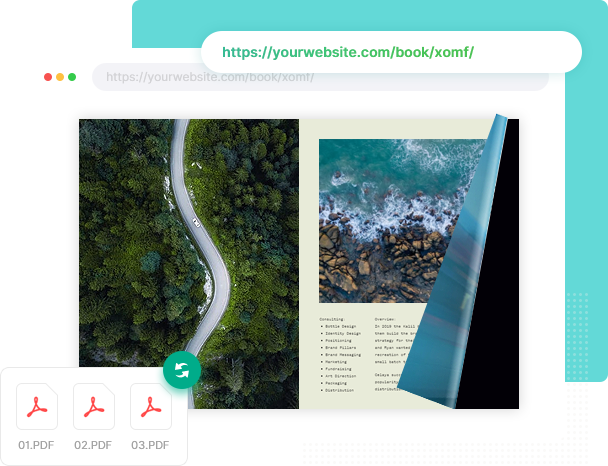
How to make multiple PDFs into one single book? Flip PDF Plus offers an amazing idea to merge PDFs into one page-flipping eBook directly without any code or skills.
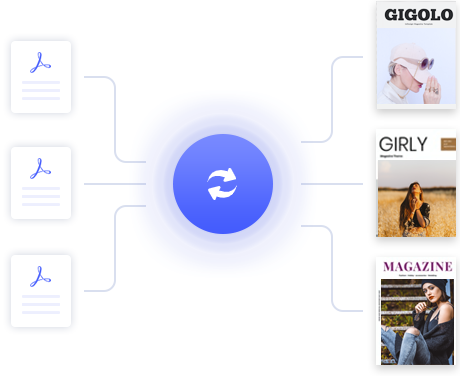
Want to convert a variety of PDF files into books at a time? Batch conversion allows you to convert a number of PDFs into flipbooks in sequence. You do not need to convert PDFs one by one.
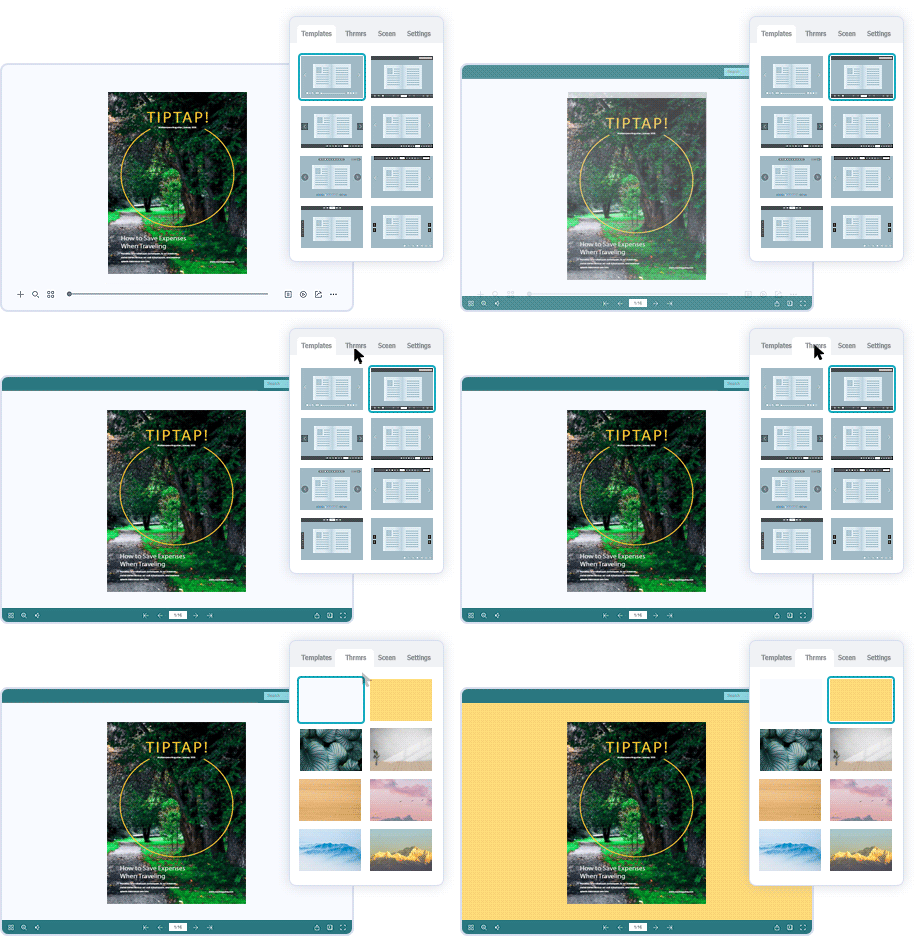
Flip PDF Plus provides various pre-built templates, themes, and animated scenes that you can quickly customize to meet your needs. Select a template for the book toolbar, change a theme for the book appearance(background and color), and add an animated scene to polish your book background.
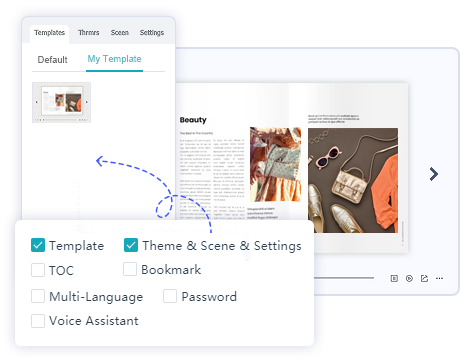
The configuration of the following functions can be saved in your templates: Toolbar, Themes, Scenes, Settings (like background sound, your brand logo), TOC, Bookmark, Multi-Language, Password, and even Voice Assistant. Save your templates in the program directly, which is more convenient to reuse or export them to share with others.
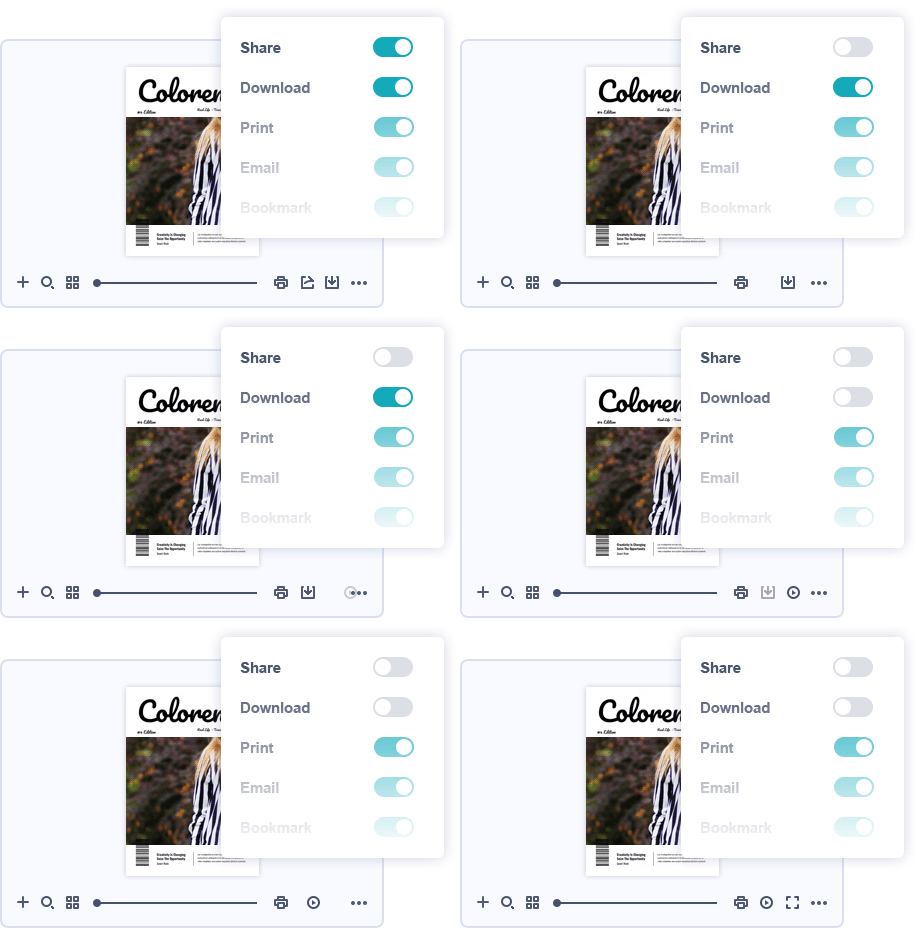
Design your style flipbook: customize the page-flipping eBook background colors; set a logo image for branding; customize the toolbar on functions like print, download or share your page flip eBook. There are dozens of different settings that allow you to customize your page-flipping eBook to suit your style.
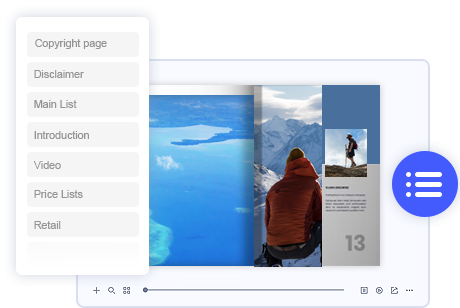
Don’t have a table of content in your PDF? Not a problem, create your table of content and make it easier to navigate through the whole book.
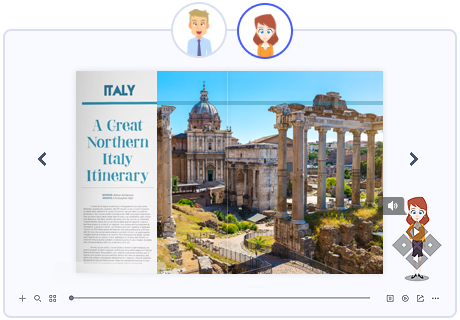
In Flip PDF Plus, you can utilize the Assistant which helps to add audio for book pages, with synchronized scrolling text integrated. The wonderful feature will be very useful for you to build presentations for meetings, storybooks for kids, or language books for learning.
View details about how to create audio books now!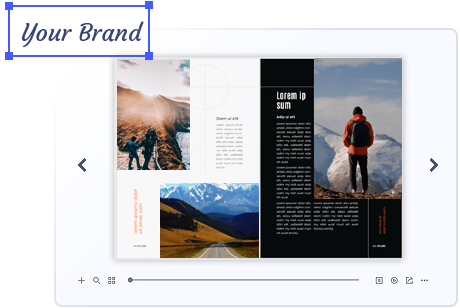
Adding your company logo or website icon to your flipbook helps to get exposure for your brand. It means you can deliver the branding information of your company to your clients when they are reading the branding brochure.

Flip PDF Plus allows you to add a loading logo or loading video for your book to keep readers’ attention and market your brand.
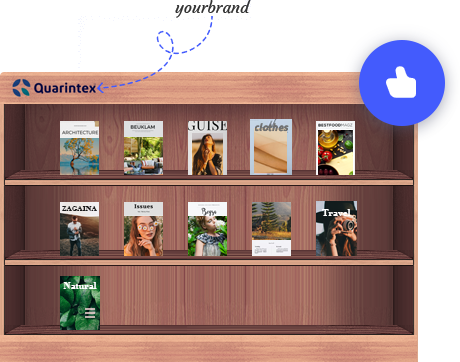
Do you want to make your business stand out? Why not brand your bookcase with a logo, which can prevent your work from being stolen or misused, as well as help spread brand recognition.
View bookcase demo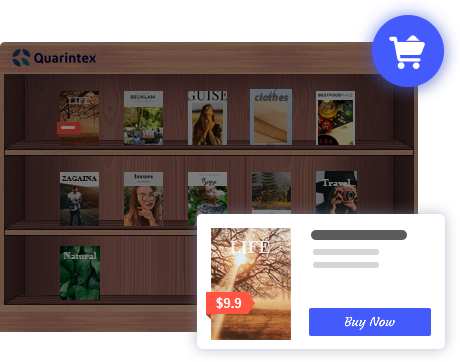
Want to make money from your eBook? Flip PDF Plus allows you to set prices on your eBook, and you can fully customize pages to sell. We also offer options to help your buyers complete their purchases. They can add books to the shopping cart or give direct payments
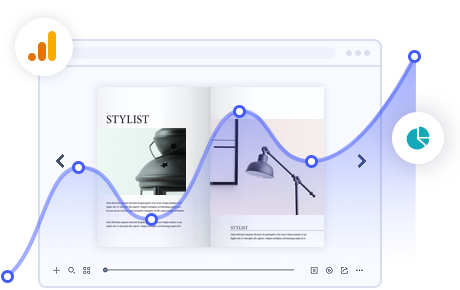
Link your flipbook to your Google Analytics account: each page of your publication will be tracked automatically. Measure the key metrics(traffic, page views, duration, bounce rate) and events of every single flipbook page and create customized reports based on Google Analytics. Create, design, control, and increase your marketing effectiveness using Google Analytics within the publications.
How to track your readers with Google Analytics?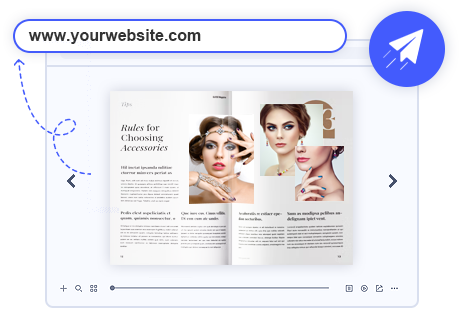
The HTML file published by Flip PDF Plus is adaptive to all devices. Upload the HTML folder to your own server to get an online link. The link generated after uploading can be used for website promotion.
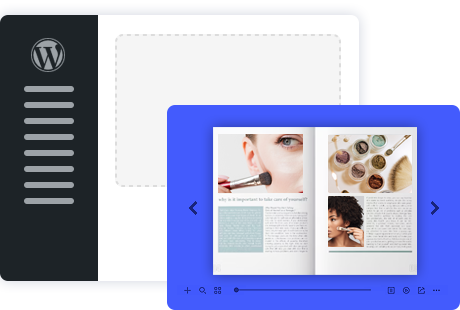
After installing the plug-in on your WordPress, you can post the book on your site to enhance web pages & enrich content, also make it available to all readers.
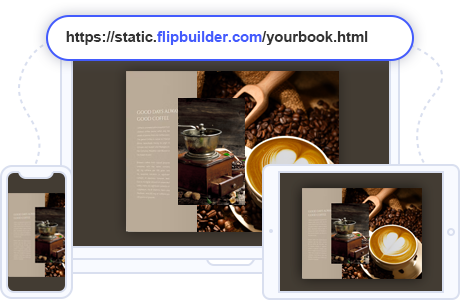
To make it easier for you to publish your created flipbooks online, we developed the Hosting Add-on Service. By using this service, you can upload your book online instantly after creating, without FTP or other upload tools. You can easily manage your books, and make it easy for people to view your books online in their browser on PC, Mac, iPhone, iPad, and Android devices.
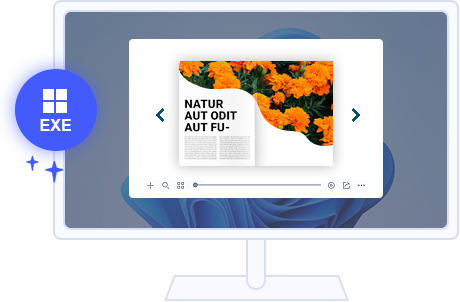
EXE file is an offline reading format for Windows Computer. Flip PDF Plus allows you to publish your flipbook as EXE format. Readers can double-click the file to open the book.
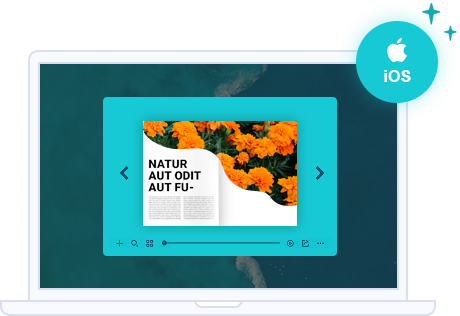
APP file is an offline reading format for Mac Computer. Flip PDF Plus allows you to publish your flipbook as APP format. Readers can double-click the file to open the book.
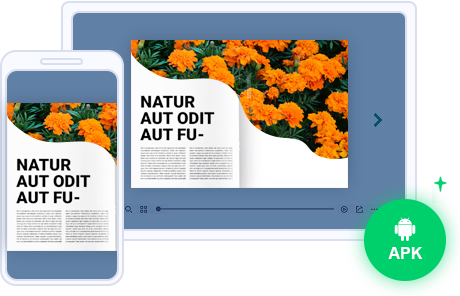
Publishing flipbook as an Android application that can be installed by Android phones/tablets. You can add an icon to brand your flipbook. Put it on the application market and update it to make more gain.
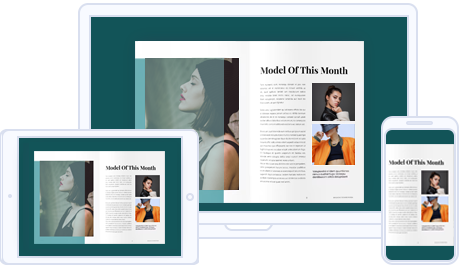
eBooks created by Flip PDF Plus are compatible with most browsers and adaptive to different screen configurations of devices like computers, phones and tablets. You have no need to worry about the display of your flipbooks' layouts and contents. No need to install anything! Just read it via web browsers.
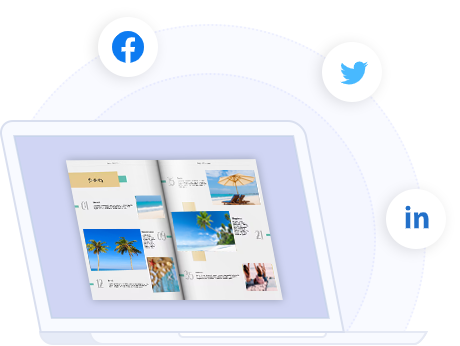
The page flip eBook created by Flip PDF Plus integrates with the hot feature - the modern social networks. Readers of your publication can click the [Share] button and directly share the current book on Facebook, Twitter, and other social platforms.
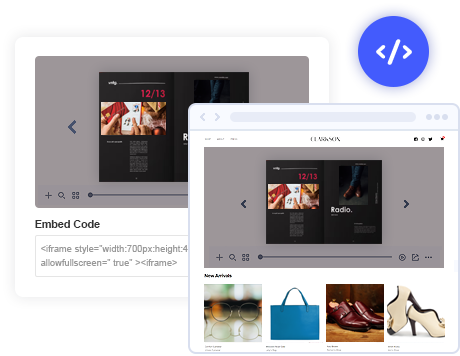
Flip PDF Plus helps you make the online books available on your website. You can get an embed code after uploading the flipbook via the Hosting Add-on Service. Copy the embed code and paste it into your HTML file so that your visitors can read the books without even leaving your website.
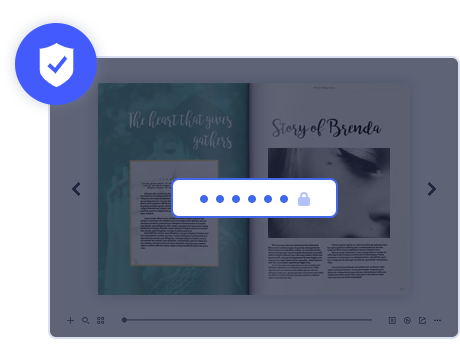
Set up a password or multiple passwords to protect the privacy of your flipbook. This will help you tighten up security for your digital publications. One Authorization ID is for one specific user. Only readers using these IDs and passwords can open and read your flipbooks.
FlipBuilder Cloud employs Amazon S3 service to store your book data. We promise to protect your data from both logical and physical failures and guard against data loss from unintended user actions, application errors, and infrastructure failures. Your book data is highly secured!
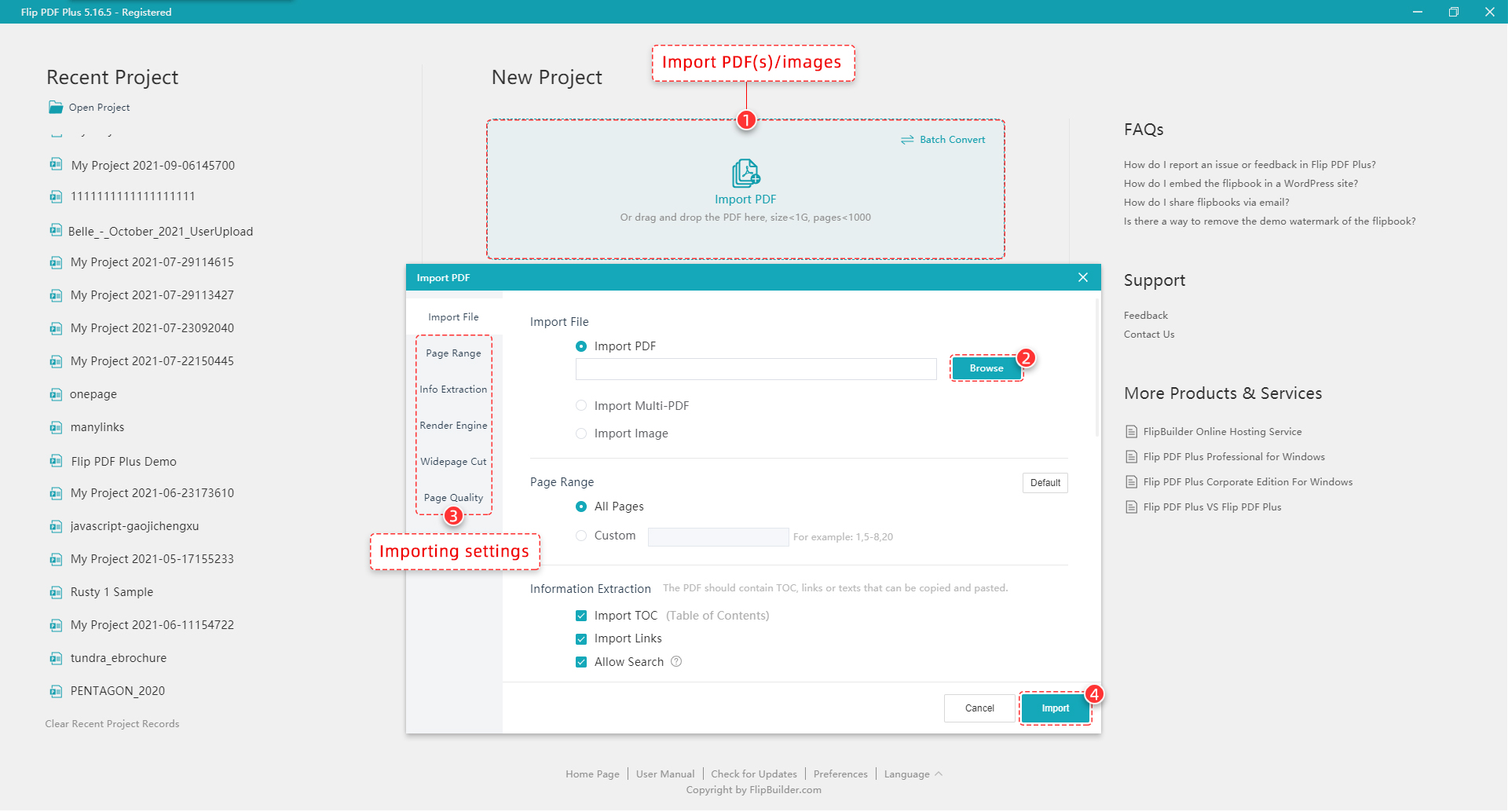
Launch the Program, click "Import PDF", then click "Browse" to import PDF. It is also possible to import TOC, links from your PDF and enable Search function in your flipbook.
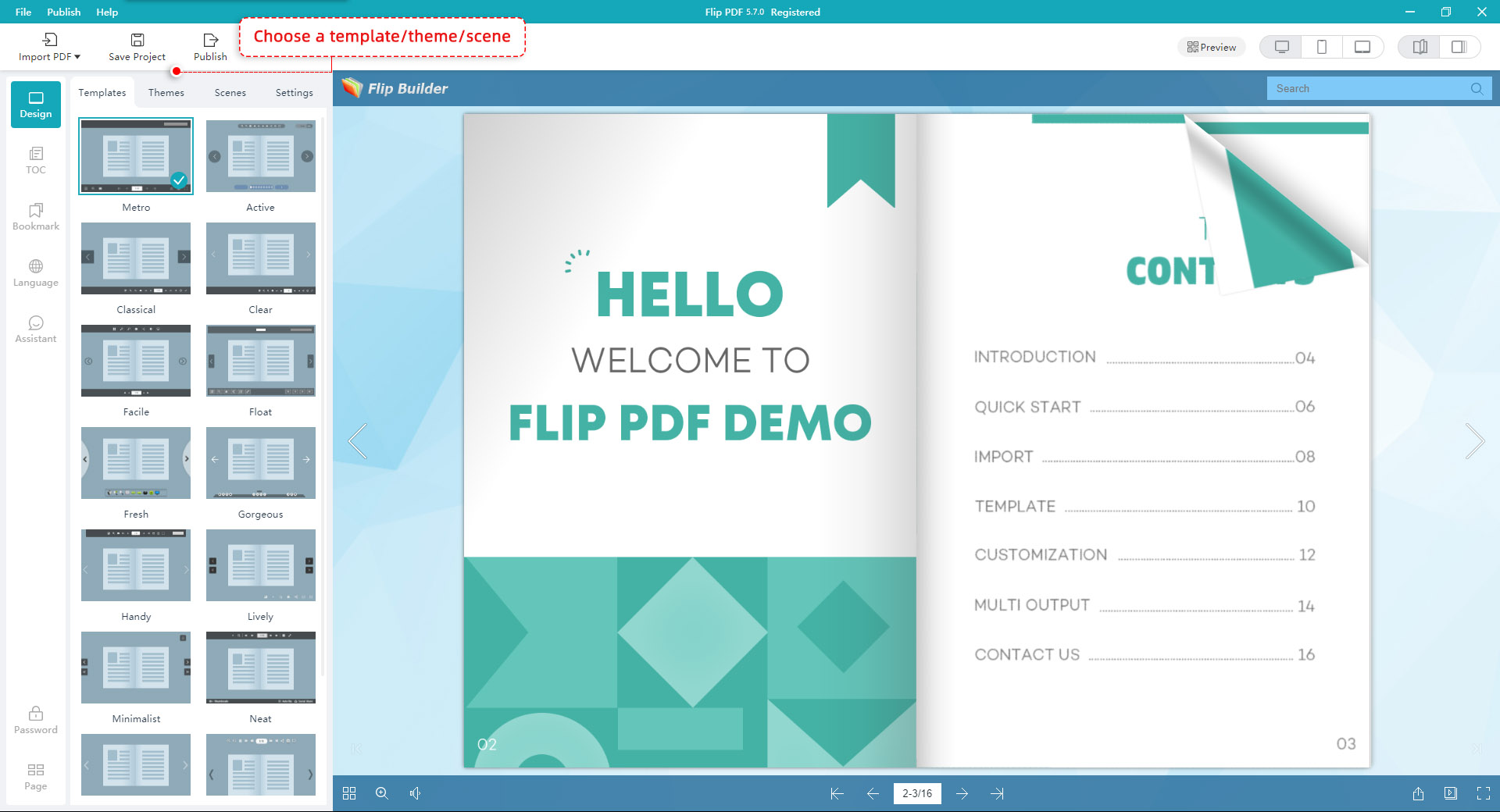
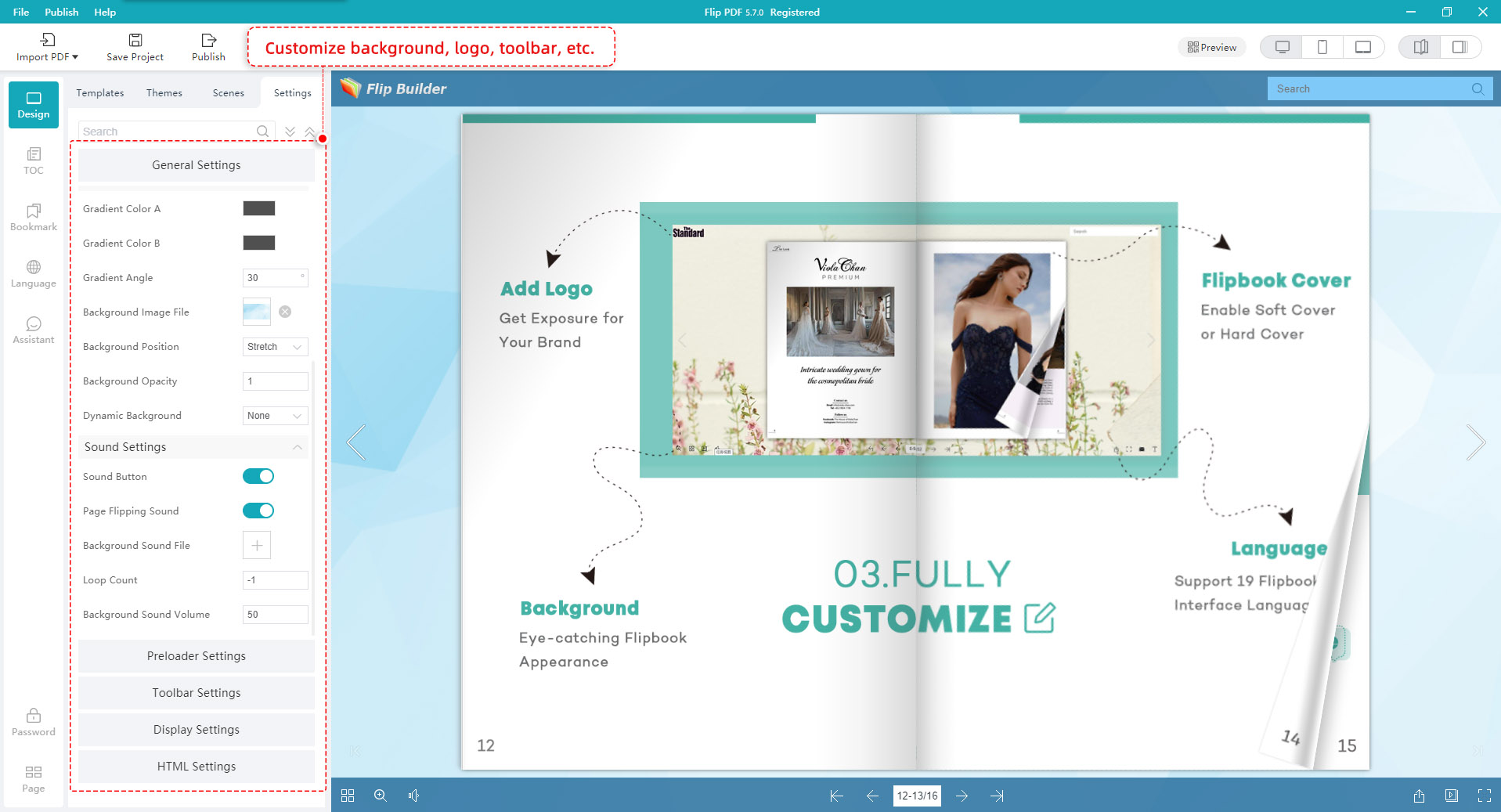
Then in the Design interface, you can design your flipbook with built-in a template, theme, background, animated scene, assistant, bookmark, TOC, etc. Besides, in the " Setting " tab, you can customize your flipbook with various custom settings such as logo, toolbar, book cover and social share.
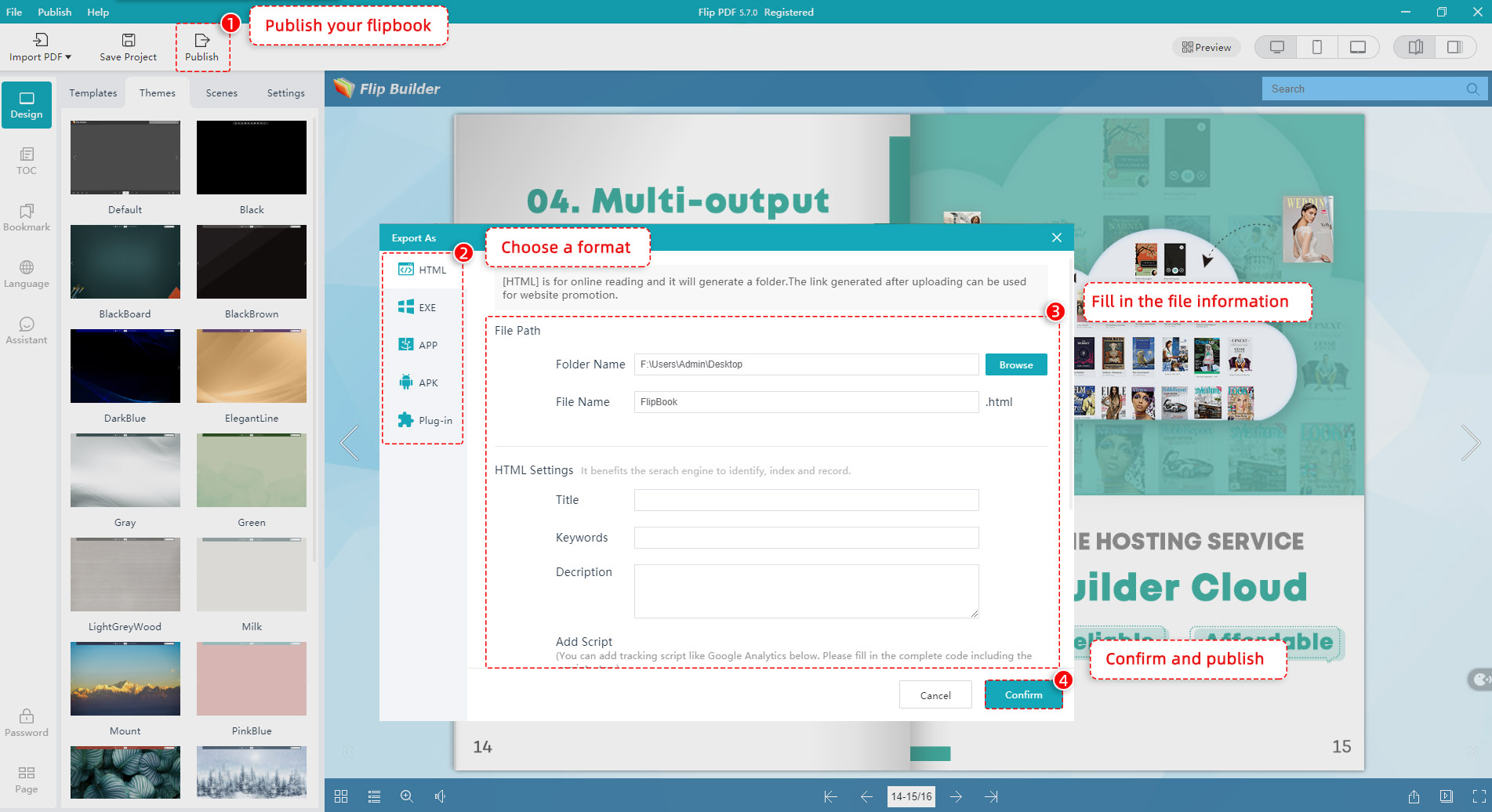
There are multiple output formats for a variety of purposes: HTML, ZIP, EXE, Mac App, WordPress plug-in. Choose the output form you want and click the "Confirm" button to publish your wonderful flipbook.
We want you to be 100% satisfied, so we offer a user-friendly Money Back Guarantee for all of our customers!
Once you have purchased the software, you can use the program to convert an unlimited number of PDF files to any number of page-flipping eBook.
We deliver fast & effective technical support and customer service to ensure that every experience you have is the best it can be.