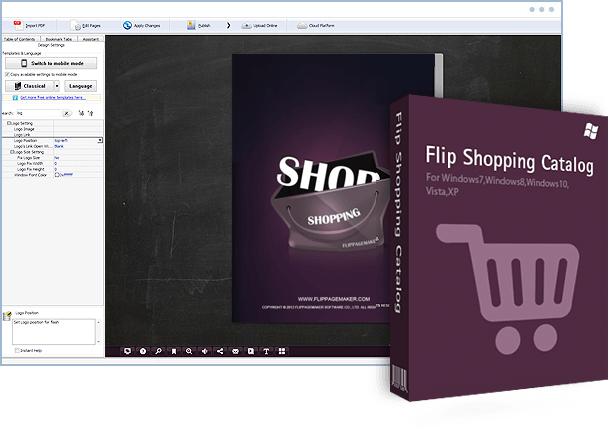
Flip Shopping Catalog For Windows
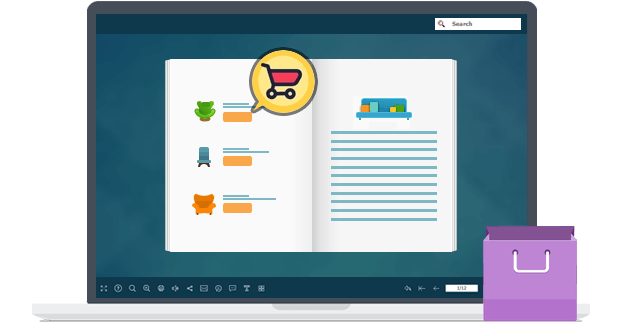
Fresh way to promote and sell products online
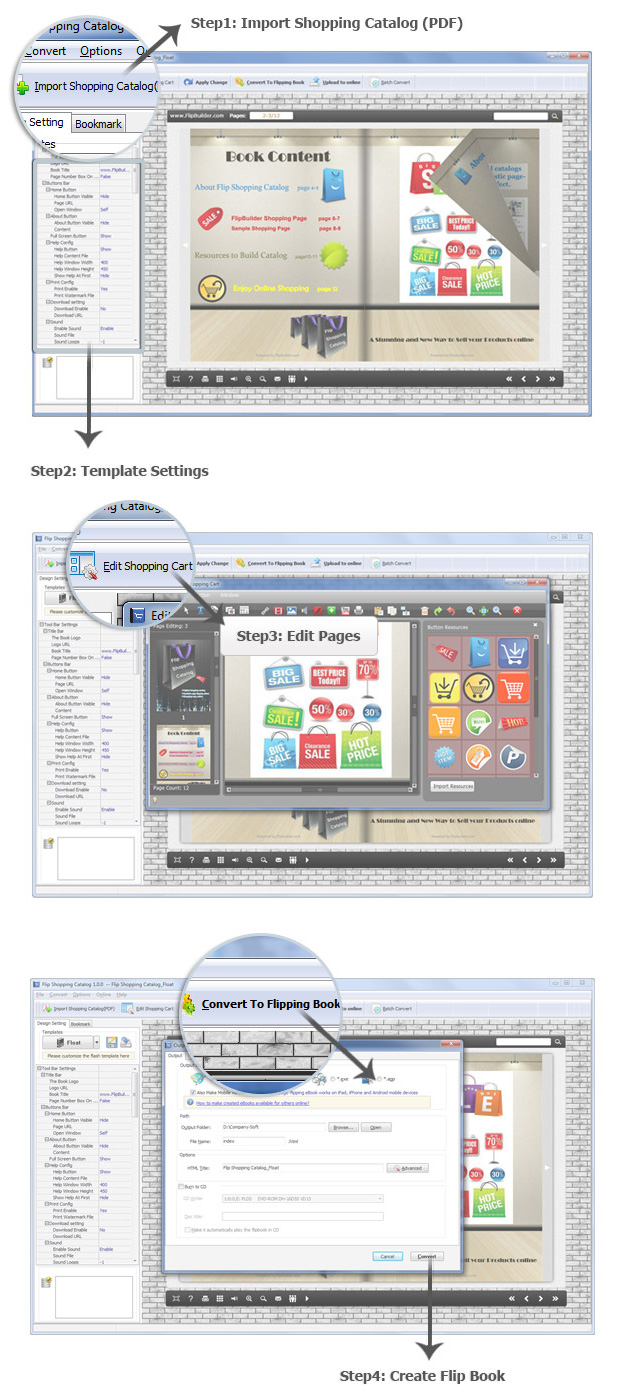
Build a wonderful and unique catalog for your products? Flip Shopping Catalog is your easy way to convert PDF files to HTML5 based page-flipping catalog. The program provides 100+ settings for you to personalize your digital catalog and enables you to output in different formats for different uses.
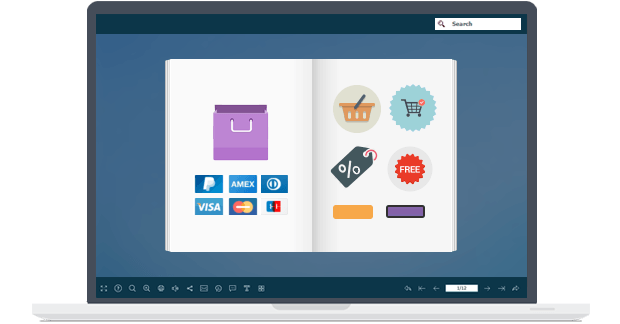
Add interactive shopping objects
You can use Flip Shopping Catalog to edit product pages directly with many different kinds of multi-media options such as animated shopping price icon, product item, product detail photo slideshow, etc. Just click "Edit Pages" button to enter into the editing interface and choose objects to add to page with ease.
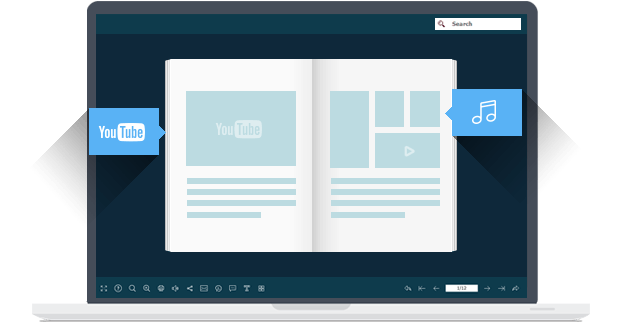
Embed video, YouTube, Vimeo, audio, links
Want to put a native video file into the page-flipping eBook you are creating? YOU CAN! Would you like to add active links on the eBook without using the link edit tool of Acrobat Pro? YOU CAN! Flip Shopping Catalog also allows you to edit imported PDF pages directly, including inserting links, images albums , movies, YouTube & Vimeo videos and sound!
Command line mode for silent conversion
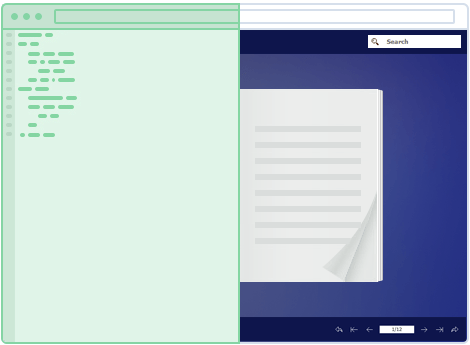
In addition to single and batch conversion modes, Flip Shopping Catalog also provides a Command Line mode to help you to automate the creation of the HTML5 eBooks without opening the Windows desktop application. The Command Line mode allows you to custom set multiple details. You can use this Command Line mode to perform your conversions with ease!
Publish online, or for Mac, mobile, CD, Email
Flip Shopping Catalog provides different ways for you to share your page-flipping eBooks. You can publish HTML format eBooks online without website domain limitations or paying royalty fees. You can also distribute your publications using Email, CD/DVD or USB drives in ZIP, Mac App, FBR, Mobile (iPhone, iPad, iPod Touch, and even Android-powered devices) or EXE format. Besides, you can directly publish the flipbook to your FTP server, Email to your readers or create *.scr format flip book to use as Screen Saver. In addition, you can publish the flipbook as WordPress plugin, Joomla & Drupal module directly.

Google Analytics integration
If you have a Google Analytics account, you can make use of the built-in functionality of Flip Shopping Catalog - Google Analytics Embedding. The code of Google Analytics can be embedded to each book and all statistics will be available from your Google Analytics account live. Create, design, control and increase your marketing effectiveness using Google Analytics within the publications.
Various Templates, Themes, Scenes, Background & Plugins
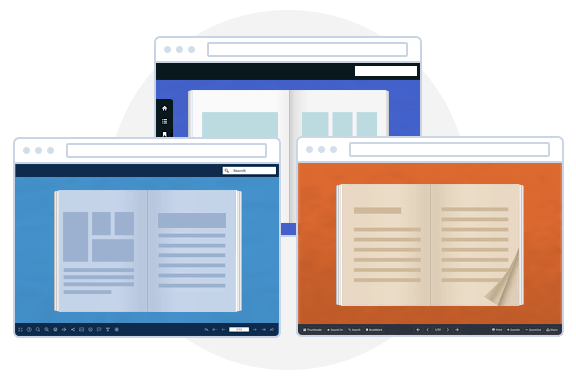
Multiple pre-designed Templates Online for you to download and use in Flip programs now, and more stunning and amazing templates will be published in future. You can use the templates, themes, animated scenes and backgrounds to build your own personalized ones. Besides, you can also add plugin to the book: banner, news rotator, image slider, music player, YouTube video banner, etc. What's more, you can download and install the online resources directly: 400+ themes, 200+ scenes, 700+ backgrounds and different plugins. Different templates, different layout, different tool bar buttons...
One-time fee, unlimited conversion, free upgrade
Once you have purchased the software, you can use the program to convert an unlimited number of PDF files to wonderful page-flipping eBooks. No subscription fee, no single website limitation. Moreover, upgrades are always free, you can use the software forever though we reserve the right to raise price for later versions.
1. Flip PDF features
Supports 11 languages: English, Chinese, Italian, Japanese, Arabic, French, German, Korean, Portuguese, Romanian and Spanish.
- 1.Convert PDF to HTML5 based page-flipping eBooks.
- 2.Batch convert multiple PDF files to a single or multiple page-flipping eBooks.
- 3.Offer Project Panel to open or save project with ease.
- 4.Import bookmarks (outline/table of content) of original PDF.
- 5.Import hyperlinks of original PDF, including web link, page link and email link.
- 6.Import text so text is searchable, define the minimum search characters.
- 7.Add watermark text, image, dynamic date/time and more to page-flipping eBooks.
- 8.Define quality and size for normal version and mobile version.
- 9.Detect landscape page to present as two-page spread.
Easy Import with Various Options
- 1. HTML allows you to upload to a website to be viewed online (with title, keywords and other metadata defined). And you can add Google Analytics tracking code to output flipbook pages.
- 2.EXE (with title, icon and open window size setting options) and Zip allow you to send to your user by email to view on their computers.
- 3.App (Mac Application) is an executable application that can run on Mac.
- 4.Mobile version is to output HTML flipbook which can be viewed on mobile devices via Browsers (support slide single pages on mobiles).
- 5.FBR is especially designed format to read with free Flip Reader, easy email and read offline.
- 6.Burn to CD allows you to burn to disk so you can send your user physical media for viewing on their computer. (Enable to set Auto Play in CD output form)
- 7.Publish flip book to your FTP server directly.
- 8.Create *.scr format flip book to use as Screen Saver.
- 9.Publish flip book and Email to an address directly by choosing "Email to" output type.
- 10.Output the flip book as WordPress plugin and insert to WordPress directly.
- 11.Publish flip book in Joomla module.
- 12.Create Drupal module to embed to your Drupal site.
Flexible Output Methods and Formats
Output in different formats: HTML, EXE, Zip, Mac App, FBR, Mobile version and Burn to CD.
Note: You can set password protection (with expired date option) in EXE & advanced settings. Besides, you can add company info in EXE output type.
- 1.Download different templates from online (//flipbuilder.com/templates.html).
- 2.Apply a pre-designed template, theme, scene, background and plugin.
- 3.Support template setting in batch convert.
- 4.Add HTML Title in Float template and click it to visit webpage online.
- 5.Add Image logo to insert before Book Title in Float template.
- 6.Define book proportions, margin size and shadow manually.
- 7.Replace existing icons on toolbar by editing Icon file.
- 8.Add new icons into toolbar by calling new actions.
- 9.Set background color and image.
- 10.Insert background music either for continuous play (loop) or for a set duration.
- 11.Set eBook reading from right to left (for Right-to-Left languages such as Arabic).
- 12.Choose hard cover for eBooks.
- 13.Set fonts for Bookmark panel.
- 14.Set Page Number Box to show at top or bottom in Float, set start page number.
- 15.Select pre-loader for your flip book.
- 16.Support template setting in batch convert.
Customize on Pre-designed Templates
- 1.Add shopping objects to pages, like Price, Order buttons, Product photos, Shopping icons, etc.
- 2.Edit pages with links, images, videos or sound files.
- 3.Add Button on pages to open link page, call Javascript action, play Video in pop-up Window.
- 4.Define the language for your published page-flipping eBook, multi-language switchable.
- 5.Add password to protect your page-flipping eBook.
- 6.Add Google Analytics to your book pages.
- 7.Add watermark image to show on print out pages.
- 8.Add Help config to manually define content with Image.
- 9.Add Minime Style to show page-flipping eBooks without toolbar.
- 10.Set permissions for downloading, printing, social sharing, Home, About button and more.
- 11.Edit bookmark manually and set bookmark panel to show on left or right side.
- 12.Export and save settings for future uses.
- 13.Save and Load your project.
Provide Multiple Control Tools
2. Page flip eBook features
- 1. Show flip effect on the page corner at the very beginning.
- 2. Drag the corner to flip a page.
- 3. Click page shadow to flip a page.
- 4. Input password to unlock encrypted pages.
- 5. View book in Single/Double Page mode.
- 6. Open and view needed pages quickly with pre-loading technology, do not need to wait all pages loaded.
- 7. Use button to control page, such as Previous, Next, First, Last etc.
- 8. Adjust buttons on toolbar automatically based on container size.
- 9. View pages in Auto Flip mode.
- 10. View flipbook repeatedly.
- 11. View page-flipping ebook in full screen.
- 12. Use thumbnail to navigate through the book.
- 13. Search within the whole eBook.
- 14. Print out the whole ebook or a range of pages directly (support to clip area on pages and then print).
- 15. Download the uploaded page-flipping eBook from web site directly.
- 16. Double-click to zoom in or zoom out.
- 17. Zoom in/out both pages.
- 18. Share eBook URL via email.
- 19. Open or close page-turning sound.
- 20. Open to a certain page in Browser by adding a suffix like this: ?pageIndex=4.
- 21. View output page-flipping eBook on iPad, iPhone and Android devices (slide single pages mode supported).
With the page-flipping ebook you have created, your book readers will be able to:


Safe and reliable
-
Refund Policy
We want you to be 100% satisfied, so we offer a unconditional 30-Day Money Back Guarantee for all of our customers!
-
One-time fee, unlimited conversion
Once you have purchased the software, you can use the program to convert an unlimited number of PDF files to any number of page-flipping eBooks.
-
5-Star Support
We deliver fast & effective technical support and customer service to ensure that every experience you have is the best it can be.