I. Product Features
- Easy Import with Various Options
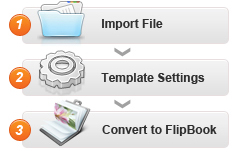
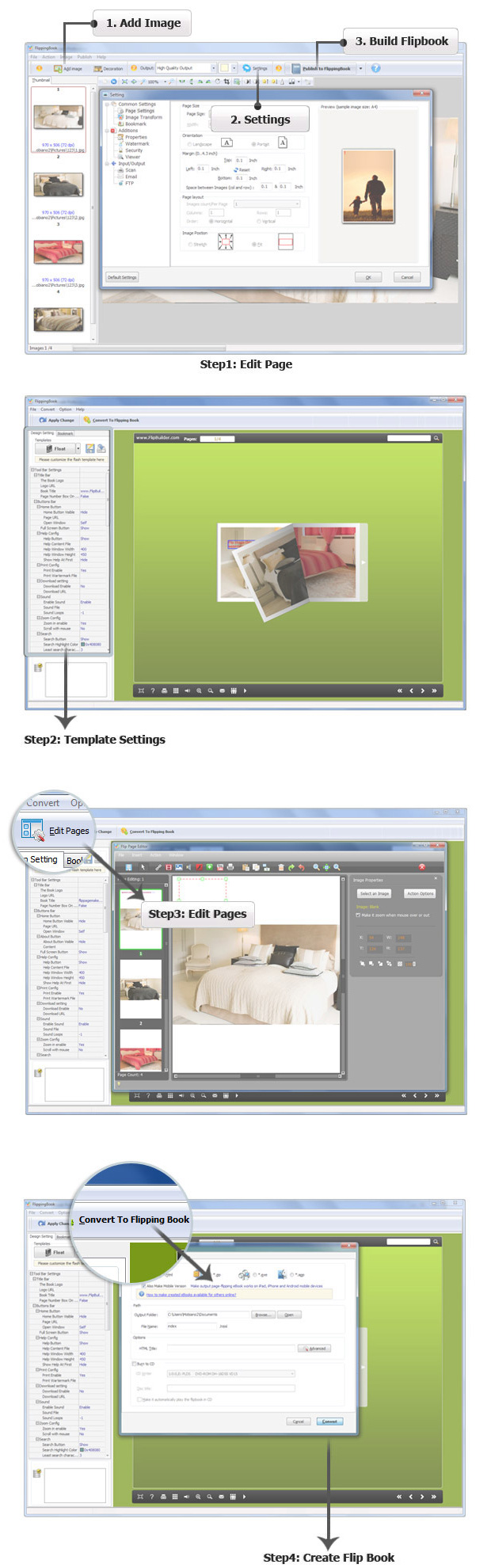
- 1. Convert a collection of images to Adobe© Flash® based page-flipping digital albums easily.
- 2.Import images from Computer or digital cameras directly.
- 3.Import almost all formats of images:JPEG/JPG/JPE, BMP/Bitmap, PNG, TIF/TIFF, PSD, PCX, JPEG2k/JP2/J2K, RAW, DCM/DIC/DICOM and more.
- 4.Arrange page layout for image pages.
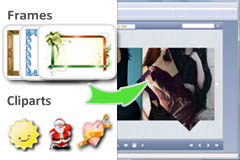
- 5.Set widget Frame and Text for pages.
- 6.Define Paper Size, Output Quality, Margin, Frame Width, Opacity, etc.
- 7.Save and Load your defined pages as project.
- 8.Define quality and size for normal version and mobile version.
- Flexible Output Formats
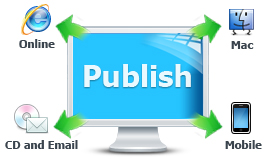
- 1. Output in different formats: HTML, EXE, Zip and Burn to CD.
HTML allows you to upload to a website to be viewed online (with title, keywords and other metadata defined).
EXE (with setting title, icon and open window size) and Zip allow you to send to your user by email to be viewed on their computer.
Burn to CD allows you to burn to disk so you can send your user physical media for viewing on their computer.
- Customize on Pre-designed Templates
- 1. Download different templates online (http://flipbuilder.com/templates.html).
- 2.Apply a pre-designed template.
- 3.Preview the output effect instantly.
- 4.Define book proportions, margin size, shadow manually.
- 5.Set background color and image.
- 6.Insert background music either for continuous play (loop) or for a set duration.
- 7.Set colors and position (Top/Bottom) for toolbar.
- 8.Set control bars to "show" or "hide" in full screen.
- 9.Set eBook reading from right to left (for Right-to-Left languages such as Arabic).
- 10.Choose hard cover for eBooks.
- Provide Multiple Control Tools
- 1. Set page-flipping to manual or automatic.
- 2.Define the language for your published page-flipping eBook.
- 3.Add password to protect your page-flipping eBook.
- 4.Set permissions for downloading, printing, sharing, Help button and more.
- 5.Edit bookmark manually and set bookmark panel to show on left or right side.
- 6.Export and save settings for future uses.
II. Image Flash Slideshow features
With the page-flipping ebook you have created, your book readers will be able to:
- 1. Drag the corner to flip a page.
- 2.Click page shadows to flip a page.
- 3.Input password to unlock encrypted pages.
- 4.View with important pages pre-loaded to open quickly, no need to wait for all pages to be loaded.
- 5.Use Previous, Next, First or Last buttons to navigate through the pages.
- 6.Flip pages automatically.
- 7.View flipbook repeatedly.
- 8.View page-flipping eBook full screen.
- 9.Use page thumbnails to navigate.
- 10.Print out the whole eBook or a selected range of pages.
- 11.Download the uploaded page-flipping eBook direct from the web site.
- 12.Double-click to zoom in or zoom out.
- 13.Zoom in/ out both pages.
- 14.Share eBook url via email
- 15.Turn page-turning sound on/off.
- 16.Open in the Browser to a specific page by adding a page index to your URL. E.G. www.yourdomain.com/index.html?pageIndex=4.



.png)