Flip PDF Professional |
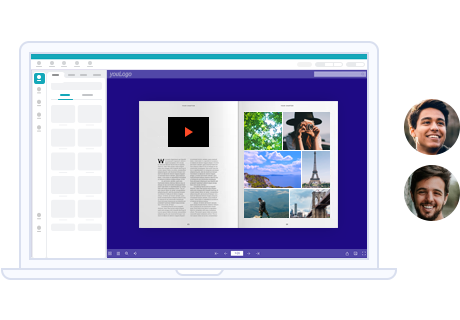
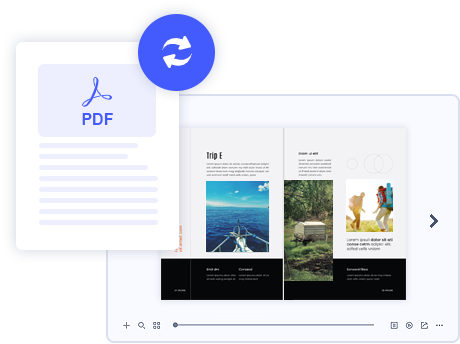
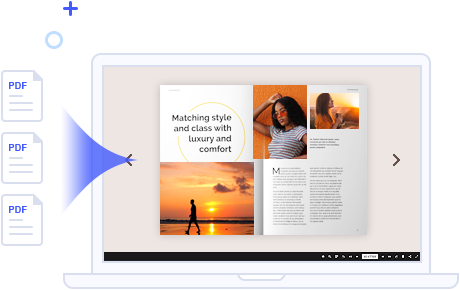
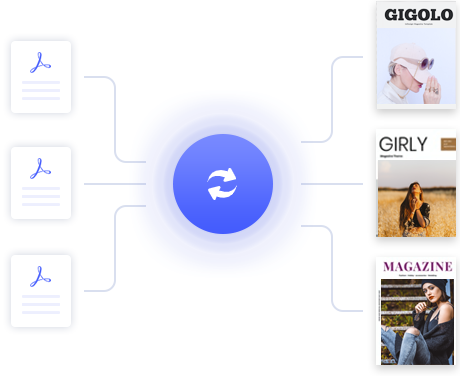
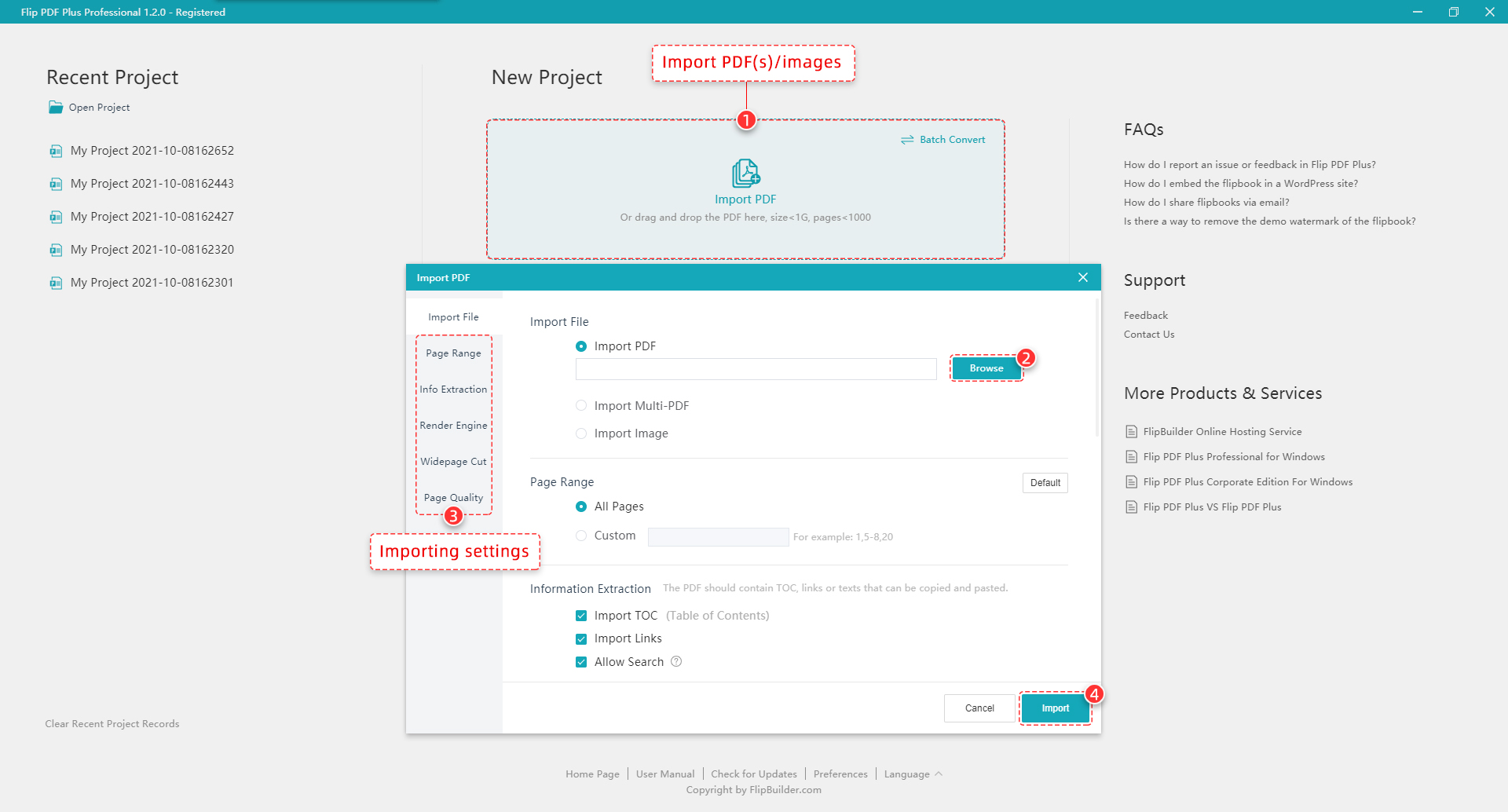
Flip PDF Professional is the feature-rich professional version of our already powerful classic Flip PDF software. We have kept powerful features from the original, like PDF hyperlink and bookmarks, and have added More POWER! Now you can embed multimedia like video, audio, even text, shapes, pages, image albums, Flash, YouTube videos and links to your page-flipping eBooks. You can also use the command line to automate the creation of page-flipping eBooks without opening the Windows desktop application.
For Windows 8, 7, Vista, XP
(Flip PDF Pro for Mac version: For Mac OS 10.5 or above)
![]() |
![]() |
||||||||
|
|
||||||||
| Easy publish your books to FlipBuilder server | |
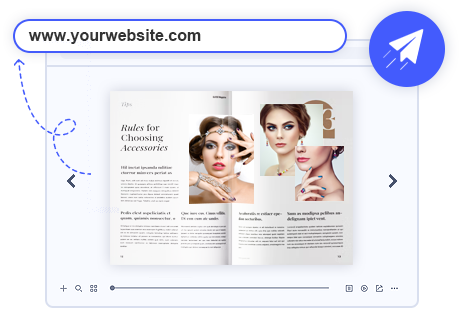
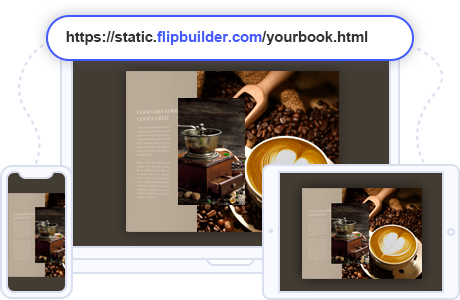
To make you publish your created flipbooks online more conveniently, we developed Upload Online Service. With using the service, you can upload your book online instantly after creating, no FTP or other upload tool needed. You can easy manage your books, and make people easy view your book in browser of PC, Mac, iPhone, iPad and Android devices.
|
![]() |
![]() |
Sell eBooks Online with Shopping Cart |
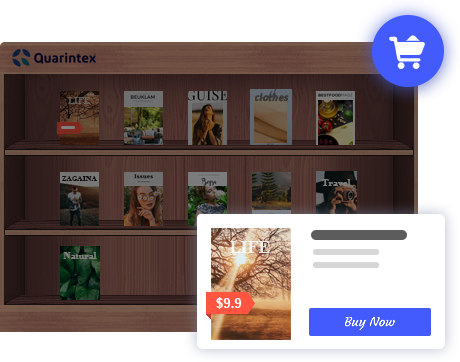
FlipBuilder Shopping Cart enables you sell PDF ebook on your website, eBay, MySpace, Google Base, Craigslist and other websites using PayPal Payments Standard, PayPal Payments Advanced, PayPal Payments Pro, PayPal Payflow Pro For merchants selling ebooks, we automate and secure the digital delivery of ebook and codes.
More details about Shopping Cart Service to sell your book here. |
| Various templates, themes and scenes | ![]() |
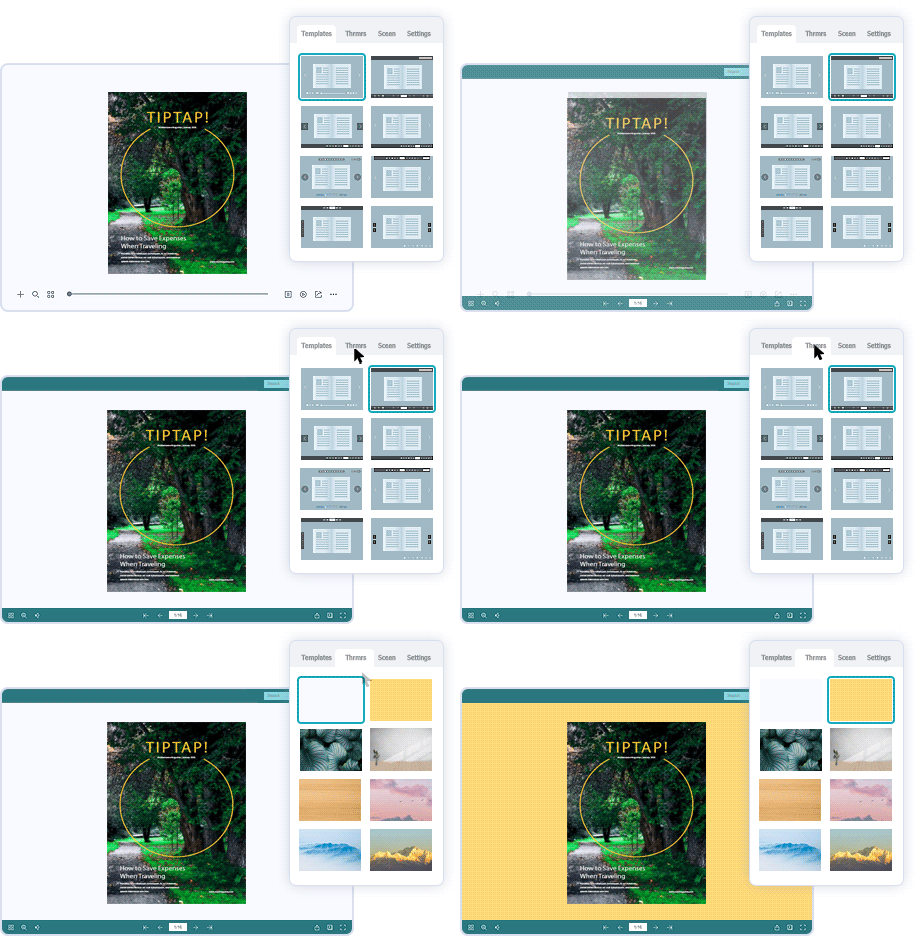
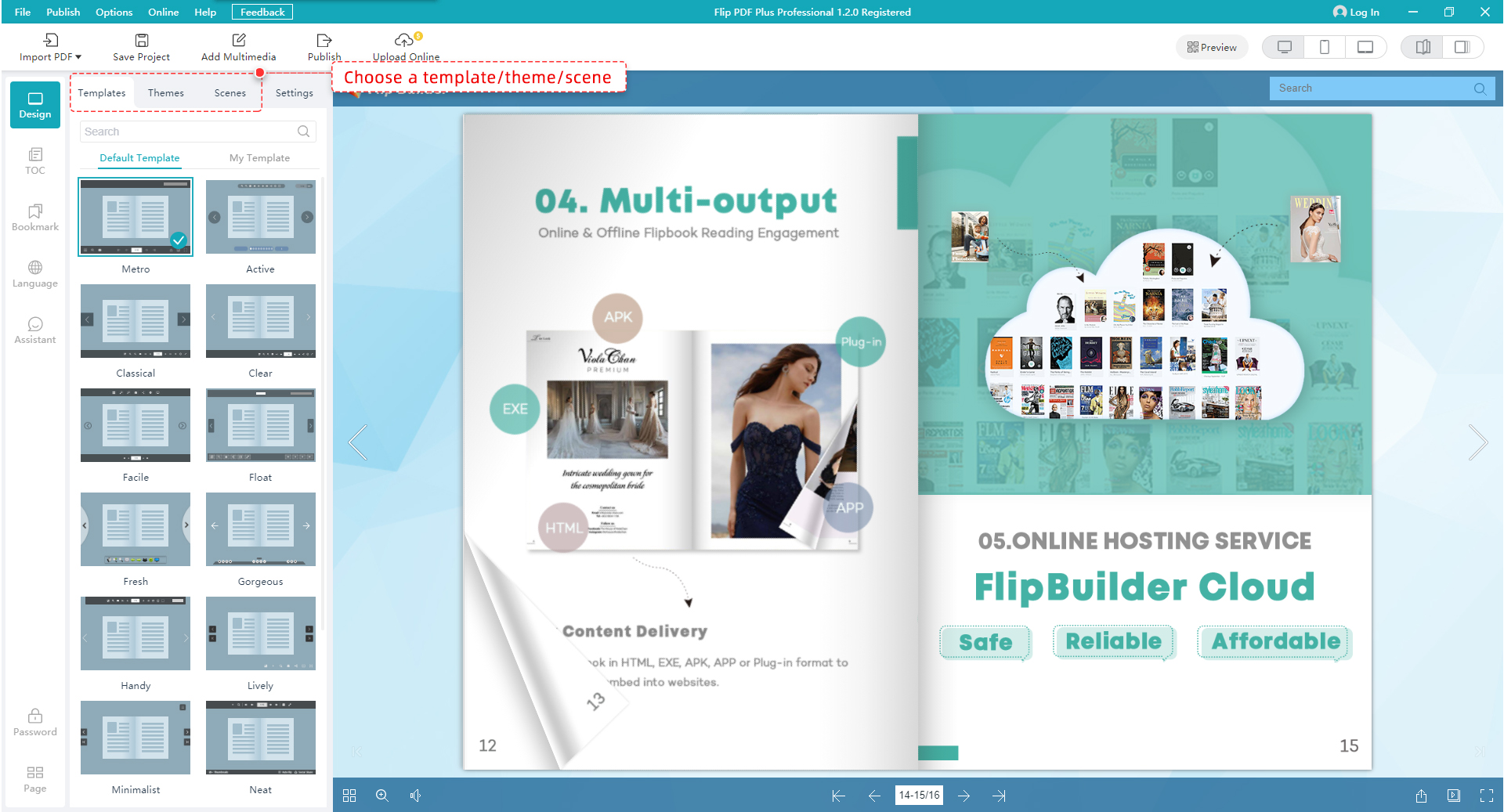
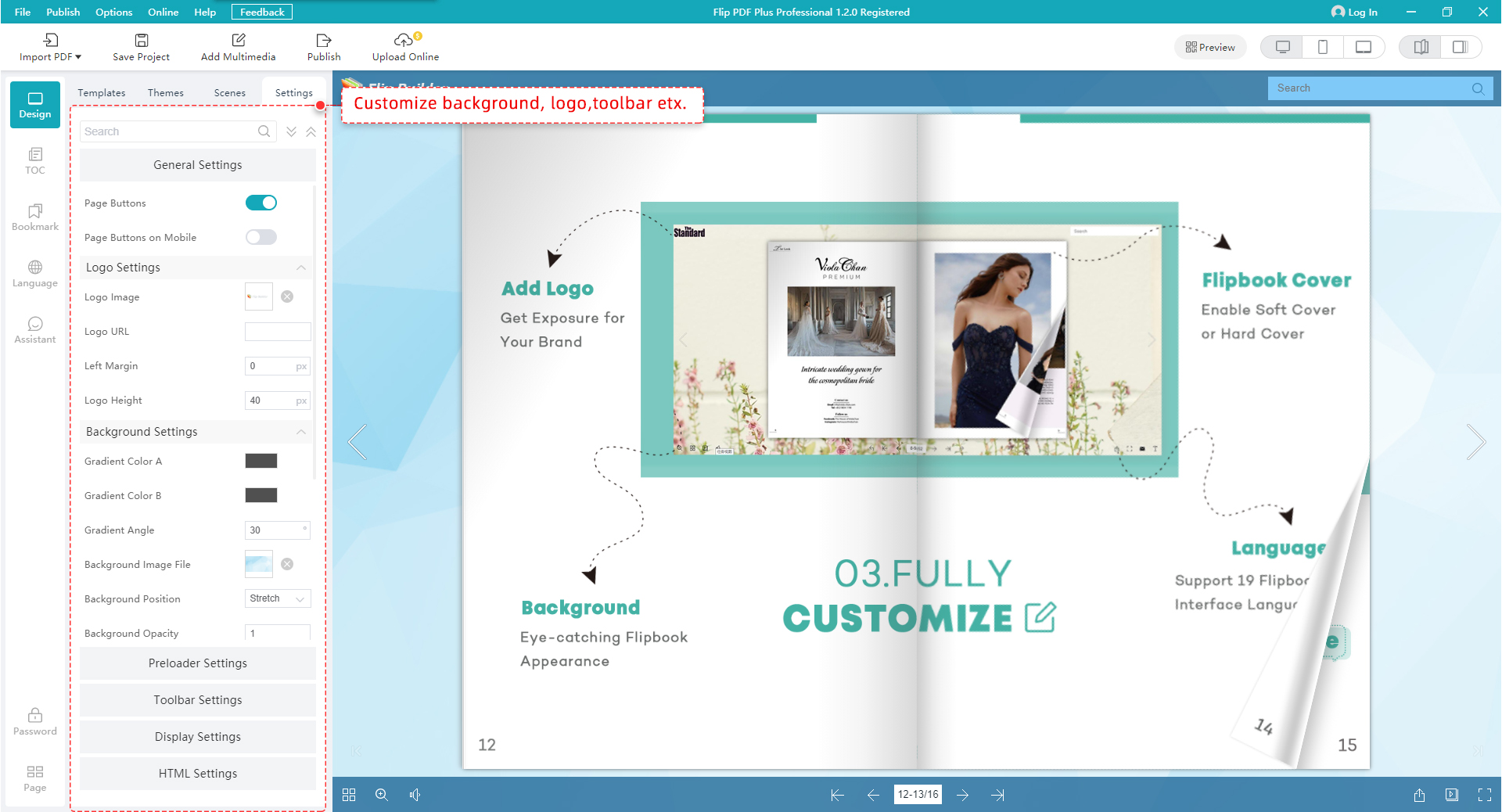
In Flip PDF Pro, you can use different templates to present flipbooks with different layout and tool bar features, you can also customize your stylish eBooks with dozens of template settings. Multiple pre-designed Templates, Themes and Scenes for you to use directly. There are also many templates and themes online, more stunning and amazing templates will be published in future.
|
![]() |
Easy edit pages, text and shapes |
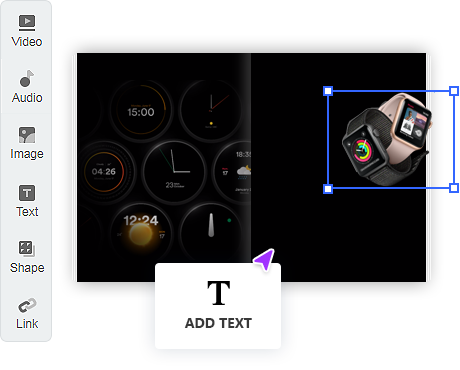
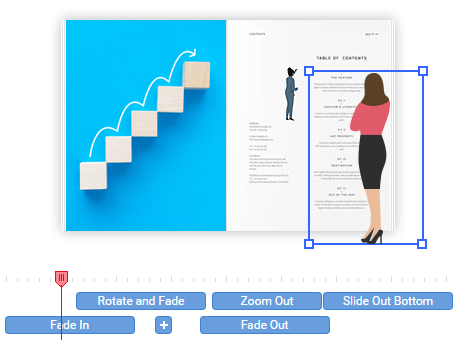
While using Flip PDF Professional, you can edit pages of your flipbook easily. In Edit Page interface, you can add text on pages with defining text font, effect and actions, insert different shapes into pages, including lines, Ellipse, Rectangle and Highlight area. Besides, you can easy manage pages in existing project, like adding PDF, SWF, Image pages, or remove selected pages, even reorder pages. |
| Embed multi-media, YouTube, images, links | ![]() |
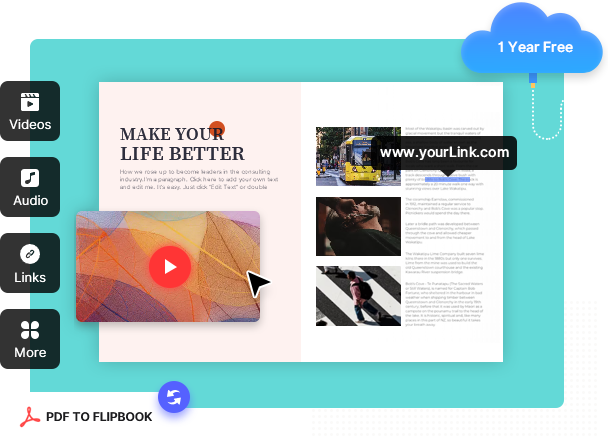
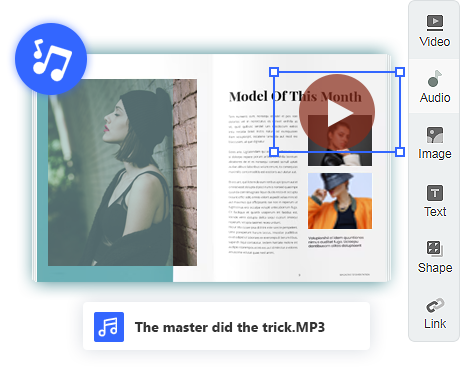
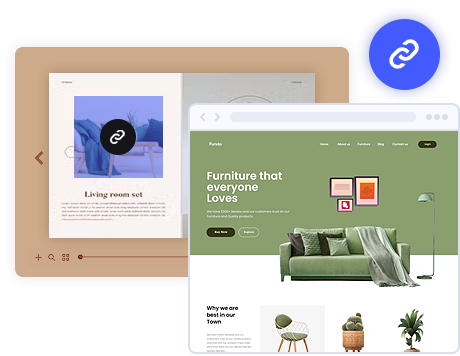
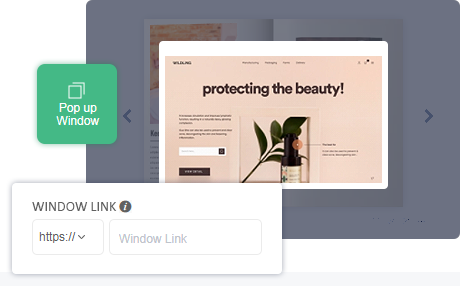
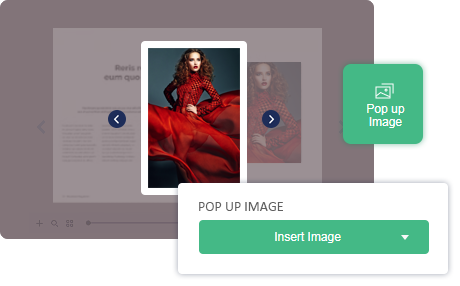
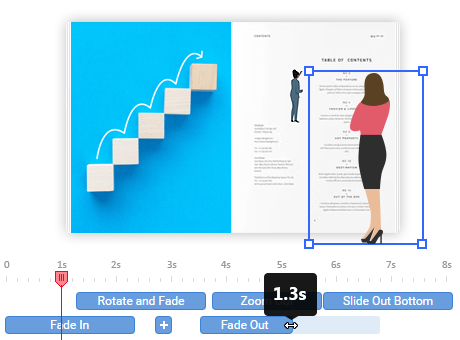
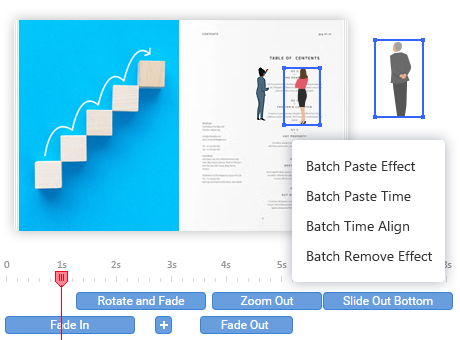
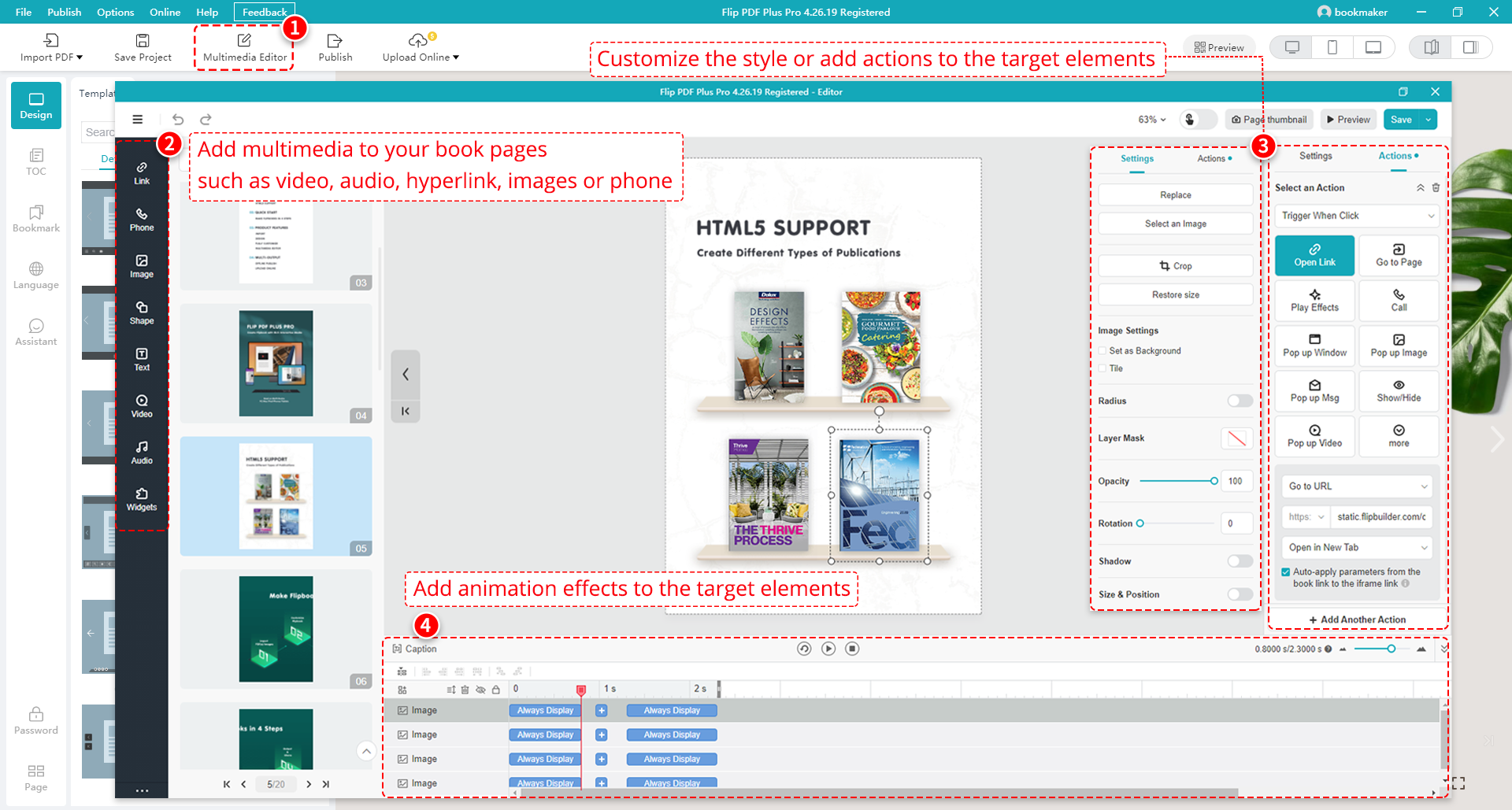
Want to put a native Flash or video file into the page-flipping eBook you are creating? YOU CAN! Would you like to add active links on the eBook without using the link edit tool of Acrobat Pro? YOU CAN! Flip PDF Pro allows you to embed multimedia objects on imported PDF pages directly, including links, images, movies, YouTube videos, sounds, buttons, Printable area and Flash files!
|
![]() |
Command Line mode for silent conversion |
Besides single and batch conversion modes, Flip PDF Pro also provides a Command Line mode to help you to automate the creation of the Flash eBooks without opening the Windows desktop application. The Command Line mode allows you to custom set multiple details. You can perform your conversions with ease! |
| Assistant of eBook with Text and Audio | ![]() |
In the new version of Flip PDF Pro, you can record audio for your pages with synchronized text integrated into your book, or you can even apply your existing audio files directly for all pages of your book. This new Assistant feature will be very useful for you to build presentation for meeting, story books for kids, or language books for learning, etc.. |
![]() |
Publish online, or for Mac, mobile, CD, Email |
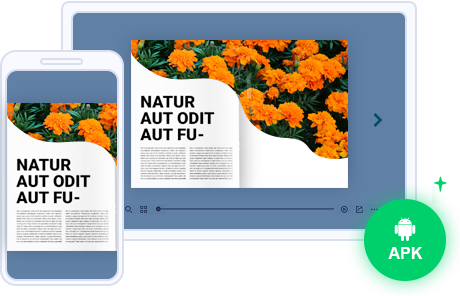
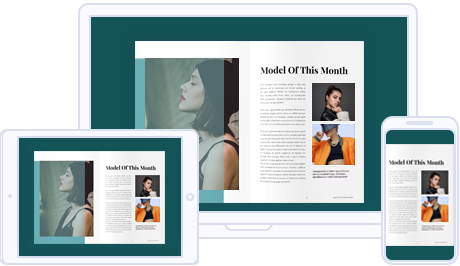
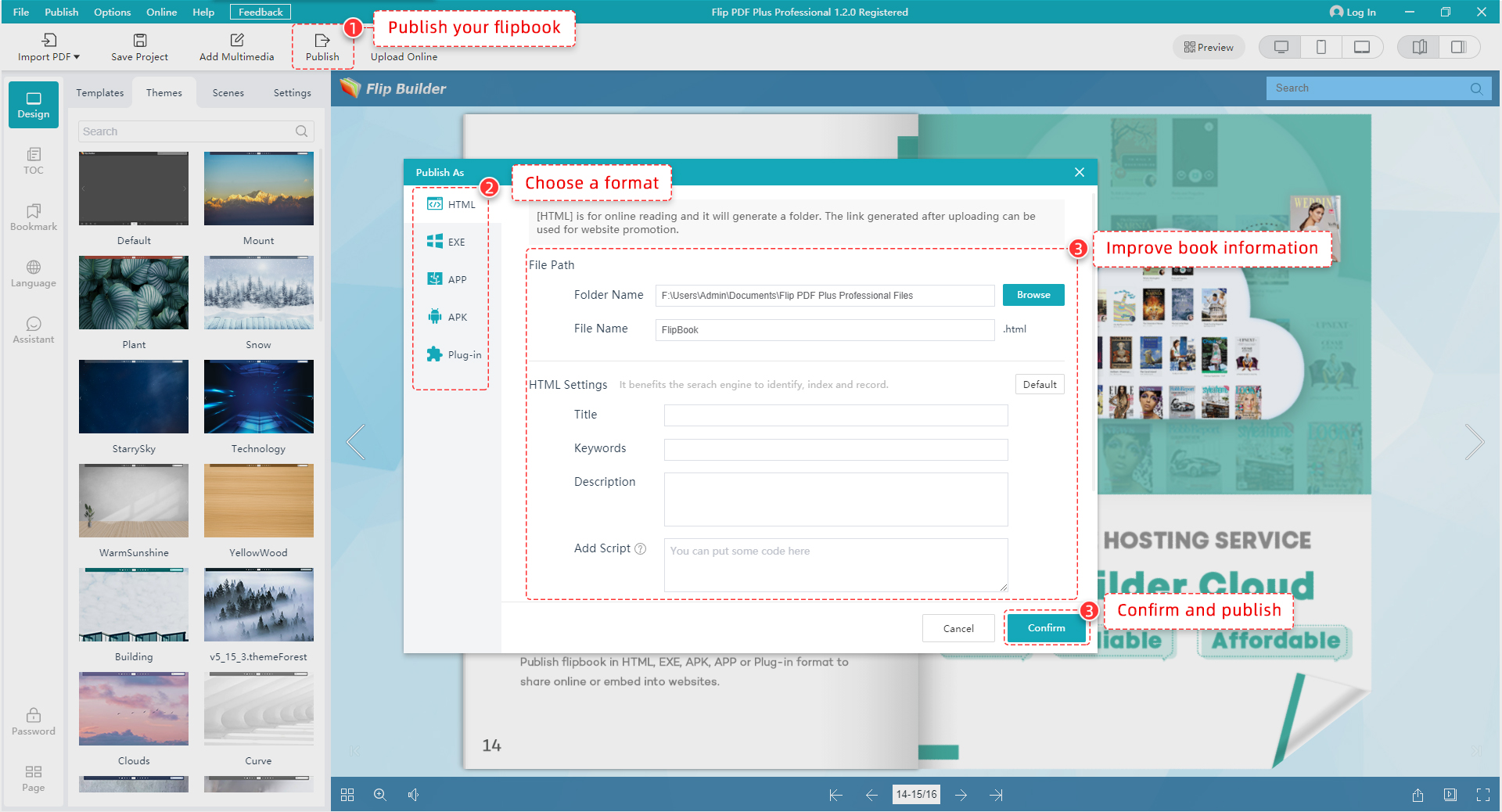
Flip PDF Pro provides different ways for you to share your page-flipping eBooks. You can publish HTML format eBooks online without website domain limitations or paying royalty fees. You can also distribute your publications using Email, CD/DVD or Flash-drivers in ZIP, Mac App, FBR (can be easy read offline with free Flip Reader), Mobile (iPhone, iPad, iPod Touch, and even Android-powered devices) or EXE format. |
| Google Analytics Integration | ![]() |
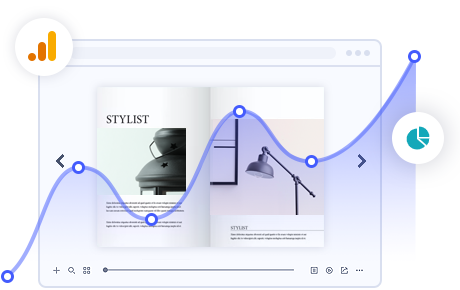
If you have a Google Analytics account, you can make use of Flip PDF Pro’s built-in functionality Google Analytics Embedding. The code of Google Analytics can be embedded to each book and all statistics will be available from your Google Analytics account live. Create, design, control and increase your marketing effectiveness using Google Analytics within the publications. |
![]() |
Show flip books in realistic digital bookcase |
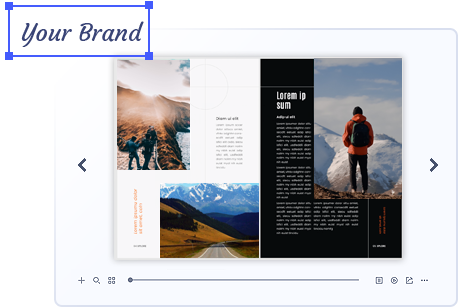
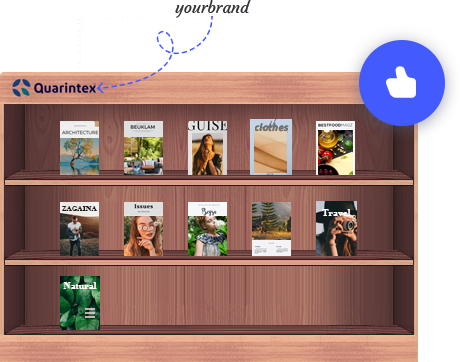
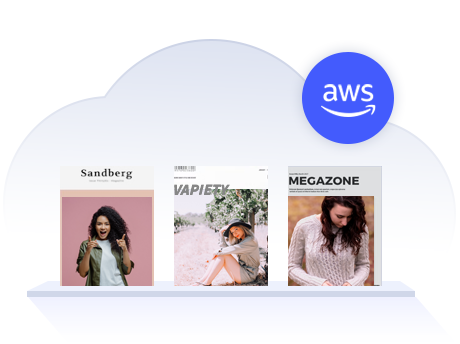
To help you show all your eBooks created with Flip PDF Pro, you can use BookCase tool to build wonderful and realistic library now! All books published on FlipBuilder Server can be collected and shown in your bookcase automatically. Design unique style bookcase and insert your company and contact info, you can even show photo gallery in BookCase page. |
| Support Social Networks | ![]() |
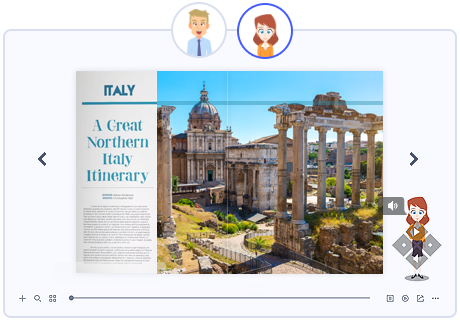
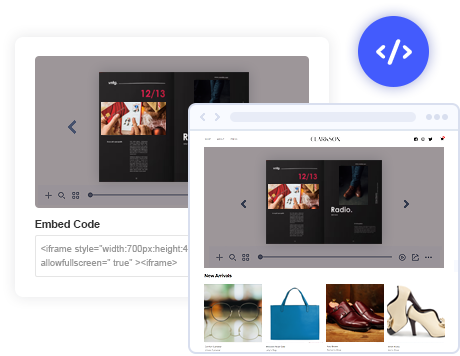
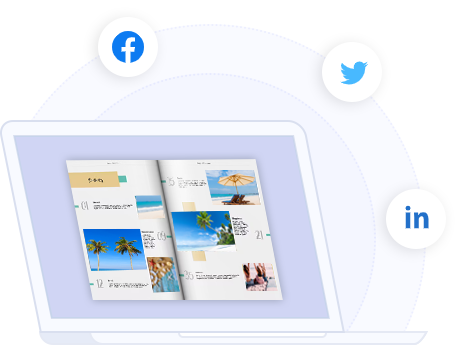
The page-flip ebooks created by Flip PDF Pro integrated with modern social networks can help to make more and more people know and share your book online. All readers can share book links with others in Facebook and Twitter, or send links out via e-mail, and even embed your flippingbook publication into their own sites. |
1. HTML allows you to upload to a website to be viewed online (with title, keywords and other metadata defined).
2.EXE allows you to view output book individually on Windows computer.
4.App (Mac Application) is executable application can be run on Mac.
6.Mobile version is to output HTML flipbook which can be viewed on mobile devices via Browsers (support slide single pages on mobiles).
7.Burn to CD allows you to burn to disk so you can send your user physical media for viewing on their computer.
With the page-flipping ebook you have created, your book readers will be able to:

| Item | Features | Flip PDF | Flip PDF Pro | Flip PDF Corporate Edition |
| 1 | Convert PDF to Adobe© Flash® based page-flipping eBooks | |||
| 2 | Publish onto FlipBuilder Server, Output in different formats: HTML, EXE, Zip, Mac App, Mobile version and Burn to CD | |||
| 3 | Apply pre-designed templates: Classical, Spread, Float and Neat. More free online templates to download and use directly | |||
| 4 | Free themes and animated scenes to make more fantastic flipping books | |||
| 5 | Batch convert multiple PDF files to a single or multiple page-flipping eBooks | |||
| 6 | Import bookmarks, hyperlinks (web/page/email links), text (for searching), detect wide pages of PDF files | |||
| 7 | Add watermarks text, image, dynamic date/ time etc to page-flipping ebooks | |||
| 8 | Add Image or Flash logo to insert before Book Title in Float template | |||
| 9 | Add HTML Title in Float template which can be clicked to visit webpage online | |||
| 10 | Define template details, like book margin, background image, read orientation, hard cover, autoplay etc. | |||
| 11 | Add Help config to manually define content with using Image or SWF | |||
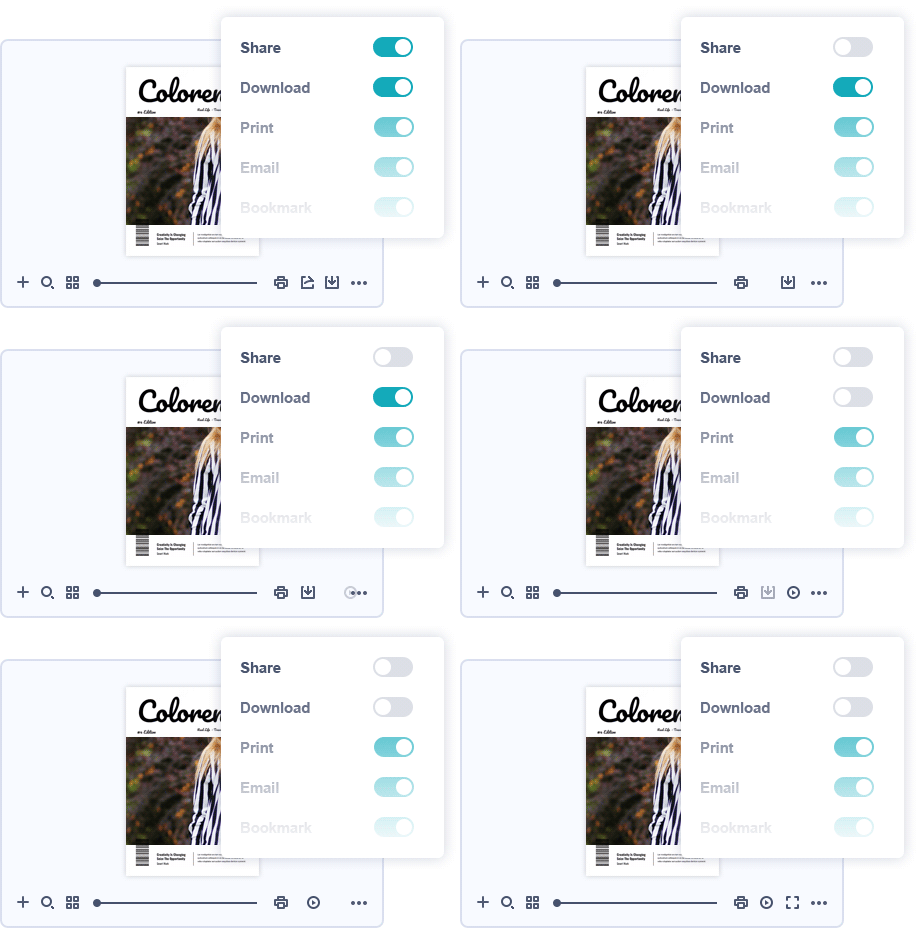
| 12 | Customize toolbar buttons to set permissions for downloading, printing, sharing, Home button and more | |||
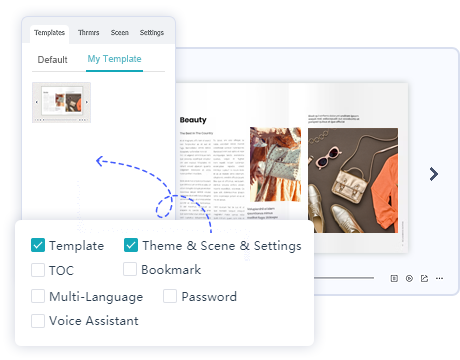
| 13 | Export and save settings, bookmarks, output book for future import and uses | |||
| 14 | Define your language for published book | |||
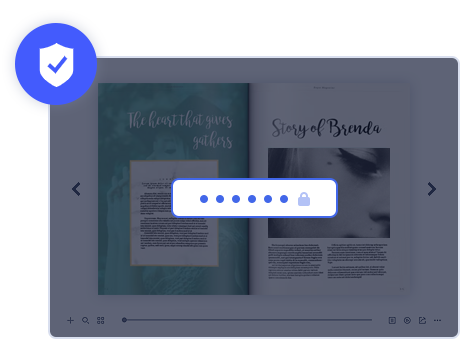
| 15 | Add password to protect your page flipping book | |||
| 16 | Add Minime Style to show page-flipping eBooks without toolbar | |||
| 17 | Define titles, keywords and other metadata for HTML or EXE output flipbooks | |||
| 18 | Save themes or project for later easy using | |||
| 19 | Add Assistant and enable record audio with text synchronized | |||
| 20 | Build wonderful digital bookcase to collect and show all published flipbooks | |||
| 21 | Enable readers add annotations on pages, no matter text, image, highlight or shapes | |||
| 22 | Replace existing icons on toolbar by editing Icon Flash file | |||
| 23 | Add new icons into toolbar with calling new actions | |||
| 24 | Add About button to show contact or some other information | |||
| 25 | Insert images, slideshow with fade effect to the imported pages (define actions, like go to webpage, open pop-up images, etc.) | |||
| 26 | Edit pages with adding links (web/page/web/pop-up images/Javascript function) | |||
| 27 | Insert FLV movie, YouTube video to pages | |||
| 28 | Add sound to the pages while viewing the page | |||
| 29 | Embed SWF flash into pages with resource library embedded | |||
| 30 | Insert buttons on pages to link pages, call Javascript function, or play Flash or Video in pop up window | |||
| 31 | Insert shapes into pages, including lines, Ellipse, Rectangle, Highlight area | |||
| 32 | Add text on pages with defining animation, text font, effect and actions | |||
| 33 | Add, delete, reorder pages in existing project | |||
| 34 | Export projects added in Page Editor, like links, swf, images, movies to import and use later | |||
| 35 | Provide command line version | |||
| 36 | Integrate more pre-designed templates and scenes | |||
| 37 | Add shopping projects to pages, like Price, Order buttons, Product photos, Shopping icons, etc. | |||
| 38 | More SWF, PNG, Button resources to use | |||
| 39 | 5 user installations | |||
| 40 | 1 year Free hosting up to 1,000 books |